How I Use Claude AI & Excel to Plan My Taxes
I used Claude AI to run a free federal tax spreadsheet, splitting stock-sale gains across 2026 and 2027 while maximizing Roth conversions. Here's how.


Last year I found Glenn Reeves’s awesome Federal Income Tax Spreadsheet. It’s a free and very thorough spreadsheet for estimating Federal taxes. I dabbled with it last year, but more recently I’ve started trying to tax plan for the forced sale of my Penske stock. Because the shares are being ripped from my hands whether I like it or not, I have to plan. Since the closing is in Q1, I do have the option of recognizing some of the gains in 2026 and some in 2027.
This morning I shot out of bed when it hit me…. I don’t have to spend hours in this spreadsheet anymore. This is something Claude excels at. Claude is a spreadsheet ninja. So why do I need the spreadsheet at all instead of just chatting with Claude? The catch is that as smart as Claude is the US tax code is too complex for Claude to model on its own. Glenn’s spreadsheet gives both Claude and I a detailed model of the US tax code. We can sweep values and watch NIIT hit, or SALT deduction limits come into play, or a bunch of other factors happen.
Step 1: Download the free spreadsheet
Put Glenn’s spreadsheet into a folder on your computer. If you trust Anthropic (Claude) with your personal information, put last year’s 1040 return in the same folder to give Claude some answers to your situation. If you don’t trust Anthropic to guard your data don’t worry, we’ll set things up for manual entry as well.
Step 2: Install Claude On Your Desktop Computer
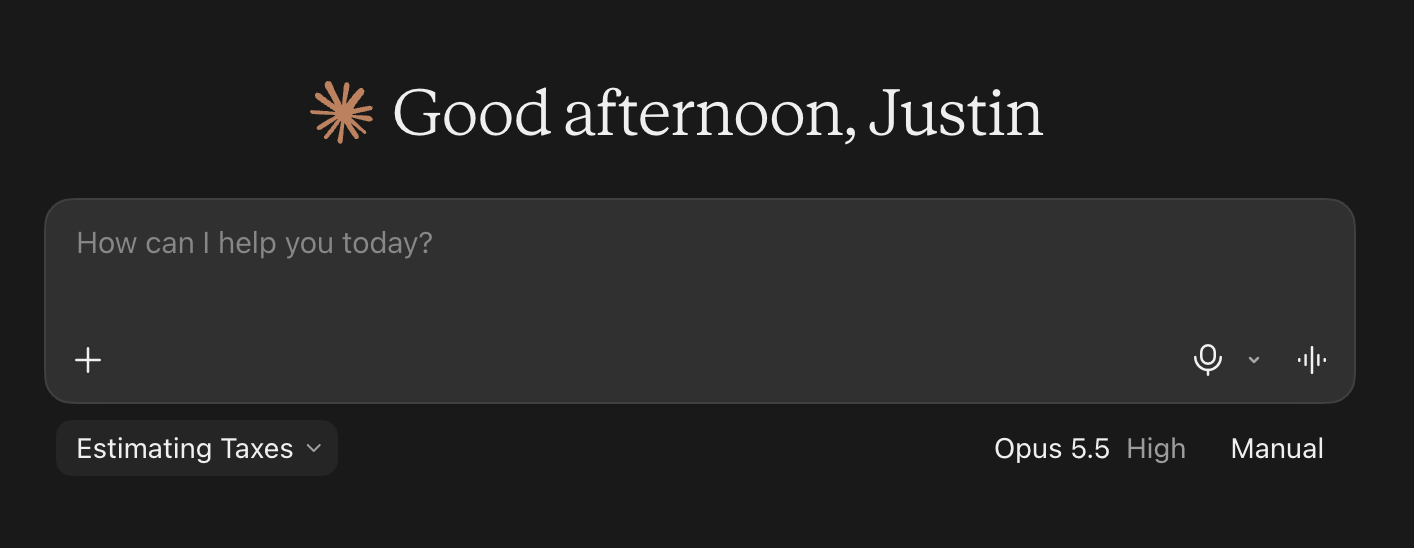
I haven’t tried this on an iPad, but it works great on a computer. Install Claude on the computer and then start a new project. Name it whatever you are trying to accomplish and give some details. In my case I titled it “Estimating Taxes”. Then give the project access to your folder with the documents.
Step 3: Tell Claude To Make Glenn’s Spreadsheet Easy To Use
While I am super appreciative to Glenn for his nice spreadsheet, I don’t find it easy to use. To solve that, I asked Claude to create a new sheet in the spreadsheet with entries for W2 income, interest income, short term capital gains, long term capital gains, qualified dividends, ordinary dividends, 1099-MISC, Schedule C income and Roth Conversion Income. I had it give me several slots for each. Then I could enter my estimations for each, looking up what I could find or having it use estimates based on last year. It’s November so none of these numbers are exactly final. Also, on this sheet I had Claude add total tax due, so that I can see it change if I manually make any changes.
Step 4: Have Claude Plan!
Now that we have a spreadsheet with all our assumptions, we can have Claude plan. In my case I am trying to find the balance of how much Penske stock to sell this year vs. next year and still do all the Roth Conversions I can below a target tax rate, so I set Claude loose with the spreadsheet and our assumptions. For instance, here is a prompt in my conversation with Claude “alright, take the spreadsheet we have, make a copy, then calculate how much I can currently do in LTCG at < 20% and how much I can do in Roth conversions <24% marginal. Do not make assumptions, do like I've done in the past and tick up the numbers and then calculate the marginal tax increase on the marginal roth conversion. Let's let the spreadsheet do the calculating, not us. This is way too complicated.”
By continuing the conversation with Claude, I got advice on what to do in my situation. At first Claude was specific, but when I pushed back on why, Claude conceded the “optimal” plan is a range with some slight tradeoffs, which is exactly the decision I want to make. From there I had Claude store what we’d learned in a text file, and we’ll revisit closer to the end of the year. I’ll update the assumptions and have Claude recompute the strategy in December. I’ll never get exact numbers before the end of the year, but they should be more accurate in late December than now.
Was this pain free? No, gathering tax information is never pain free. Am I certain the results are right? Negative on that too. I could pay someone to audit/review, but the numbers do seem reasonable. Is Claude a financial advisor? Of course not. So use at your own risk. With all that said, trying to sweep LTCG across two tax years and also maximize Roth Conversions and minimize overall tax rates would have taken many hours, even with the spreadsheet, instead Claude did all the manual data manipulation while I played a few games of Chess, and did it all as part of my $20/month subscription.
I find it magical that I can do this type of tax planning using a free Excel spreadsheet and a $20/month AI subscription.

(Note: I’m leaving this project/chat in Claude through the end of the year. Once I’m finished with planning, I’m going to delete the chat and project. This means Anthropic should remove my sensitive info from their servers within 30 days if Help improve our AI Models is off.)